
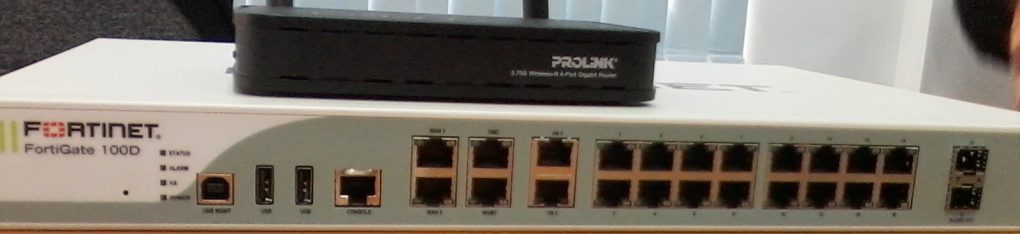
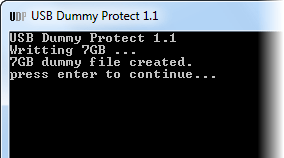
USBDummyProtect is a small utility that employs a clever trick to prevent spreading of viruses through USB drives. This open source tool creates a dummy file that takes up all free space available on the drive. With every byte of free space gone there is no room for viruses to get into the drive.Simply copy the executable file of USBDummyProtect to the USB flash drive and run the tool. A dummy.file will be created and the drive will show 0 bytes remaining.
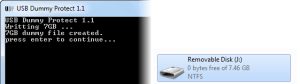
You can now plug this drive on any infected PC and remain safe. This is of course, assuming you need to transfer files from your flash drive to the PC and not the other way around. To remove the dummy.file, simply delete it and the space occupied by the file will be recovered.
If your flash drive is formatted in FAT32 and has more than 4GB of free space, USBDummyProtect wouldn’t work because of the limitation of the FAT specification that prevents creation of file larger than 4GB. So if you have a drive larger than 4GB you should choose NTFS when formatting it.
Download USBDummyProtect V1.1 : Please Click Here.
How to Use USBDummyProtect : Only Click On Open Soft UsbDummyProtect wait until Dummy files was finished Creating then Enter . 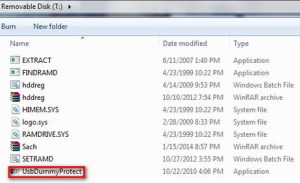
 Technology Service Provider