
Ok first of all you must stay calm even if the whole drive becomes RAW. And you need to keep one thing in mind: stop writing any data to the RAW drive before you get all important data restored. Then choose one of the following ways to complete RAW drive recovery step by step.
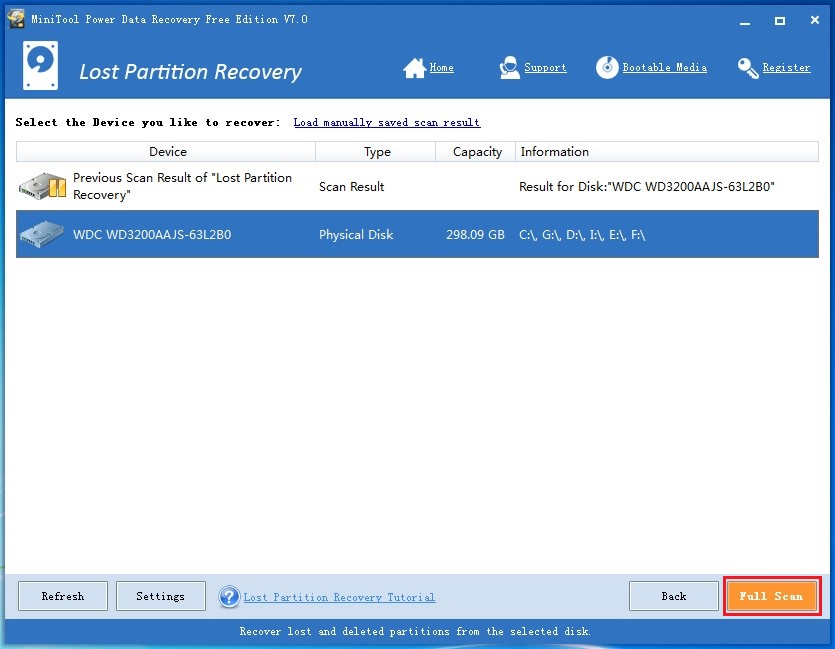
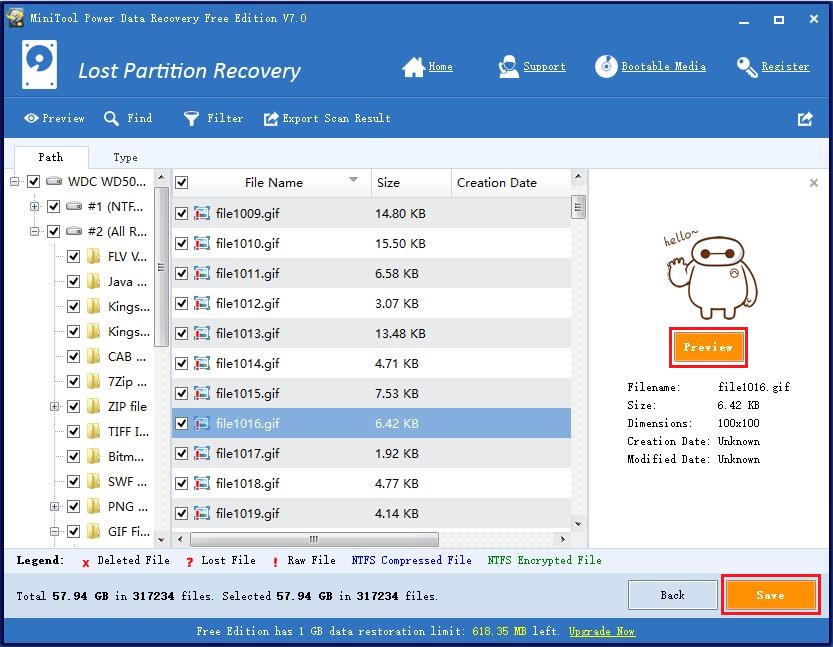
Way 1: install and run MiniTool Power Data Recovery -> choose “Lost Partition Recovery” from main window -> choose the RAW hard drive and scan it -> select a partition to recover files from it (Note this step can be carried out repeatedly to get back missing data from different partitions). 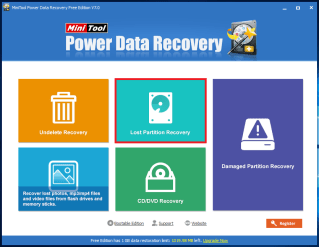
 Note:
Note:
Free edition has 1 GB data restoration limit. To recover more data, click the Buy Now button to break this limit.
Way 2: call the system built-in fix program after discovering RAW problem -> download practical tool to repair the hard disk boot record -> rebuild hard disk partition table with special tool -> recover data from RAW hard drive by employing professional data recovery tool (MiniTool Power Data Recovery is a good choice even for green hands).
“MiniTool Power Data Recovery (Free Edition) is my top pick as it proved to be way ahead of the competition. It comes with a very intuitive interface which is suitable for all users. It has recovered 1GB in 85 seconds and managed to recover all 106 files after the disk was formatted…”
Way 3: make use of the powerful tool – WINHEX. The installation way will not be introduced here. RAW data recovery process is roughly: choose the RAW hard drive -> scan for lost partitions -> open found partitions -> select the files that can be and need to be recovered -> set a location to store files.
 Technology Service Provider